
Why embedded integration is becoming the revenue moat for B2B SaaS
Embedded integrations now separate growing B2B SaaS companies from those losing customers to churn and switching friction.
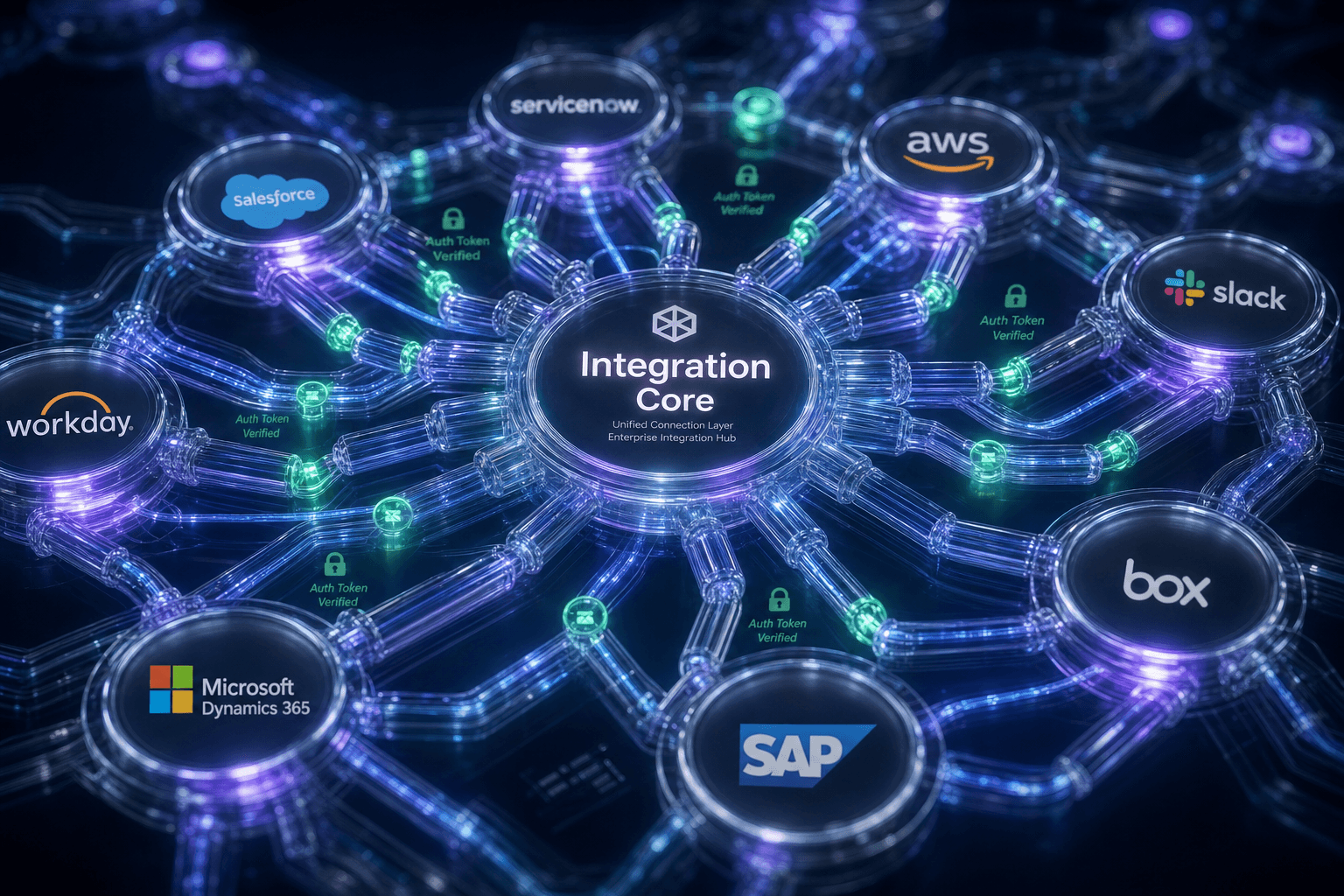
Key Takeaways
- Embedded integrations now rank as a top-3 renewal factor for B2B SaaS customers in 2026.
- SaaS vendors that ship customer-facing integrations retain 15-25% more customers than those treating integration as post-sale support.
- Once customers connect 50+ active integrations inside your product, migration costs exceed the ROI of switching.
- Embedded iPaaS platforms let product teams ship pre-built connectors to 100+ systems without building infrastructure from scratch.
B2B SaaS vendors are losing renewals because their products don't connect to the tools customers already use. In 2026, embedded integrations aren't a feature—they're a retention strategy that creates switching costs competitors can't easily overcome. The SaaS platforms that ship native integrations directly inside their product are capturing 15-25% lower churn and 8-12% higher net revenue retention.
October 2026 G2 and Gartner data shows B2B SaaS customers now list "native integrations to my CRM/marketing/finance stack" as a top-3 renewal decision factor. Embedded iPaaS platform adoption has grown 40% YoY as SaaS vendors recognize that post-sale integration support is a churn vector, not a value-add.
If your renewal rate is dropping and competitors are winning deals on "better integrations," you're watching your moat evaporate. Here's why embedded integration is separating winners from losers—and how to build it into your product.
Integrations are now table stakes
For 15 years, B2B SaaS vendors approached integrations as a technical support problem: "Here's our API documentation. Have your IT team integrate it or hire a consultant." Customers tolerated this friction because alternatives were also siloed.
In 2026, the market inverted. Customers expect integrations—dozens of them—to be operational inside the SaaS platform on day one, with no custom development. This is forcing SaaS founders to choose: build integration infrastructure (expensive, slow, distracts from core product) or embed a third-party iPaaS platform (Prismatic, Cyclr, Albato) that ships pre-built connectors and white-label interfaces.
Customer data fragmentation is becoming a competitive liability. Enterprises that keep data trapped in separate systems lose operational velocity and risk compliance violations. The SaaS vendors that solve data consolidation win renewals; those that punt integration to customers' IT teams lose them.
Embedded integrations create operational lock-in—once a customer has 50+ active integrations running inside your product, migration cost exceeds the ROI of switching to a competitor.
Three architecture concepts you need to understand
Ipaas vs. Embedded ipaas vs. Custom integration
iPaaS (standalone): Separate platform for managing integrations (Zapier, Tray, Boomi). Customer must set up integration flows outside your SaaS product.
Custom API: Your team builds integrations one-off for customers. Scales poorly, distracts product team.
Embedded iPaaS: Pre-built connectors to 100+ systems (CRM, marketing, finance, HR) operate inside your SaaS product, white-labeled, managed by your product team. Customers configure via UI, not code.
Workflow lock-in as defensible moat
Real example from 2026: Document automation SaaS saw churn drop 80% after customers accumulated 1,000+ processed documents inside the platform. The data residency, historical records, and configured workflows created high switching costs.
Embedded integrations accelerate this lock-in—the more connected systems, the more customer data consolidated, the higher the migration friction.
White-label integration architecture
Embedded iPaaS platforms abstract the complexity of API rate limiting, authentication token refresh, error handling, and retry logic. Your product team configures which connectors to expose to customers, applies your branding, and the platform handles the rest.
Customer sees "Connect to Salesforce" as a native button in your product—not a link to an external tool.
When embedded integration makes sense (and when IT doesn't)
This applies to:
- B2B SaaS platforms with $1M+ ARR and retention pressure
- Products where customer data flows to/from external systems daily
- Teams with access to embedded iPaaS budgets ($500-$50K/month depending on volume)
- Products serving mid-market and enterprise (SMB less price-sensitive to integration feature)
This does NOT apply to:
- Single-purpose tools with no data interchange requirement
- Consumer/freemium products (integration complexity not justified)
- Greenfield SaaS <6 months old (focus on core product first)
Honest assessment: Embedded iPaaS adds 20-30% to CAC for the first 3-6 months (learning curve, data mapping work). It reduces churn by 15-25% and increases NRR by 8-12% long-term.
The ROI is positive only if you're already in a churn problem or targeting retention-sensitive verticals (finance, healthcare, supply chain). Evaluate carefully before committing to integration depth as a go-to-market strategy.
Building embedded integrations
Map customer integration demands (week 1-2)
- Survey your top 20 paying customers: "What systems do you sync data with today?"
- List the most common 10-15 integrations (likely: Salesforce, HubSpot, Stripe, QuickBooks, Slack, Mailchimp, Shopify, SAP, Microsoft 365)
- Quantify integration demand: what % of customers have asked for API access or integration support?
- Classify integration types:
- Read-only (your product pulls data from their CRM)
- Write (your product pushes data to their marketing platform)
- Bidirectional (two-way sync required)
Evaluate embedded ipaas platforms (week 2-3)
Compare three vendors: Prismatic, Cyclr, Albato
- Pricing: per-connection? per-integration? per-execution?
- Connector library: do they support 80%+ of your required integrations?
- White-label capability: can you hide the platform and brand it as native?
- API completeness: can you automate integration deployments via API?
- Support model: developer-friendly? Slack support? Documentation quality?
The Ultimate Embedded iPaaS Technical Evaluation Checklist from Cyclr provides a complete vendor comparison framework.
Design the integration UX (week 3-4)
Navigation: Where in your product does "Connect integrations" live? (Settings → Integrations tab is standard)
Configuration Flow:
- Step 1: Customer selects system to integrate (CRM, marketing, etc.)
- Step 2: Customer enters credentials (OAuth redirect or API key)—platform handles secure token storage
- Step 3: Map data fields (customer selects which Salesforce fields sync to your product)
- Step 4: Set sync frequency (real-time, hourly, daily)
- Step 5: Test sync and confirm
Status Dashboard: Real-time view showing which integrations are active, last sync time, any errors
Error Handling: When integration fails (API rate limit, credential expired), customers see clear message with retry button or re-auth link
Plan data mapping and identity resolution (week 4-5)
Integration success requires solving entity reconciliation:
- Same customer appears as ID "12345" in your system, "CUST-001" in their Salesforce
- Your product must maintain mapping table: customer_id → external_system_id
- This is often the hidden complexity that causes integration failures
Actions:
- Design identity mapping table (your ID, external system, external ID, last_sync_time)
- Build reconciliation logic: when external system returns customer #12345, your product must know that's your customer_id=9876
- Implement conflict resolution: if customer changes email in Salesforce and you have different email, which wins? (typically: Salesforce is source of truth)
Enterprise Software Integration: The Complete 2026 Guide from Elsner covers data mapping patterns and identity resolution strategies in depth.
Build integration deployment pipeline (week 5-8)
- Version control for integrations: Store integration configs in git (templates for "standard Salesforce sync", "HubSpot bidirectional", etc.)
- Testing: Before deploying an integration to customers, test against sandbox account (Salesforce sandbox, HubSpot test portal)
- Staged rollout: Deploy to 5% of customers first, measure success/error rates for 1 week before general availability
- Rollback plan: If integration breaks, can you disable it via API and revert to previous version?
Example integration config (YAML):
integration_name: "Salesforce CRM Sync"
direction: "bidirectional"
sync_frequency: "hourly"
enabled: true
field_mappings:
  - your_field: "customer_name"
    external_field: "Account__Name"
    conflict_resolution: "external_wins"
  - your_field: "customer_email"
    external_field: "Email"
    conflict_resolution: "your_wins"
error_handling:
  rate_limit_exceeded: "backoff 1 hour"
  auth_failed: "notify customer via dashboard, disable sync"
Launch integrations page (week 8-12)
- Publish 5-7 "launch" integrations live to all customers
- Marketing campaign: "Your customer data is now connected" (email, in-app banner, changelog post)
- Onboarding flow: new customers during signup see "Connect Salesforce?" offer with OAuth redirect
- Customer education: help docs, video tutorial, integration troubleshooting guide
- Measure: track adoption rate (% of customers who connect ≥1 integration), sync error rate, customer support tickets re: integrations
Embedded integration for subscription SaaS
Customer signs up
- System suggests: "Connect your Salesforce account for automatic customer info sync"
- Customer clicks "Connect Salesforce" → OAuth redirect → authorizes your app
- Your product auto-maps: Salesforce Account ID → your customer_id
Bi-weekly sync
- New accounts created in Salesforce appear as customer records in your product within 2 hours
- Customer retention tracking: when a Salesforce ARR field changes, your SaaS sees ARR updated in real-time
- Dashboard shows: "29 Salesforce accounts connected, last sync 14 minutes ago, 0 errors"
Best iPaaS Software: User Reviews from October 2026 on G2 shows real customer feedback on integration platforms and adoption patterns.
Integrations are your moat
The SaaS vendors winning in 2026 understand that product differentiation is eroding—features copy quickly, pricing commoditizes. The durable competitive advantage is operational integration.
The question is not "Do we need integrations?" but "Who owns the integration experience?"
The vendors that embed integration depth into their core product are capturing data residency lock-in, reducing churn, and building switching costs. Integrations are not nice-to-have technical features; they're the revenue moat.
Need help building your embedded integration strategy? WrightyMedia's "Embedded Integration Strategy and Deployment" is a 6-week engagement to map your integration roadmap, select and configure embedded iPaaS platform, design data mapping architecture, and launch 5+ customer-facing integrations. Includes integration ROI calculator and churn-reduction benchmark study.
Want more on
Enterprise Architecture?
Add this topic to your Custom Digest. Drop your email to get our deepest insights on this exact topic.
Ready to fast-track your business?
We combine enterprise-level technical strategy with your existing business to solve complex blockers and accelerate your growth. Let's build something remarkable.
Partner With UsUp Next
Continue your journey into Enterprise Architecture.

Untitled
Enterprise GPUs run at 5% utilization on inference workloads while burning 80% of AI budgets—here's how to fix it.

The governance gap why 40% of enterprise AI agent pilots will be
Why most enterprise AI agent pilots fail governance review and how to architect approval workflows that pass regulatory audit.

How semantic content models automate SEO and content velocity
Learn how semantic content models eliminate engineering dependencies, automate SEO, and accelerate content deployment for enterprise marketing teams.