
The RevOps leader's blueprint for optimised lead routing
Learn how to build automated lead routing workflows that eliminate manual data entry and improve forecasting accuracy.

Key Takeaways
- Manual lead routing and fractured integrations destroy forecasting accuracy and trap RevOps teams in reactive firefighting.
- Event-driven workflow orchestration replaces point integrations with a self-healing automation layer that maintains data integrity autonomously.
- Centralised middleware standardises data flows between HubSpot and Salesforce, eliminating latency and manual handoffs in real time.
- Automated pipeline hygiene cuts operational costs, accelerates sales cycles, and delivers predictable revenue growth through continuous validation.
Manual lead routing wastes your sales capacity and corrupts your forecast. When leads sit unassigned and pipeline data drifts between HubSpot and Salesforce, you lose deals and credibility. This blueprint shows RevOps leaders how to automate routing, maintain data integrity, and reclaim time for strategic work.
Your sales team moves fast. Your lead routing doesn't.
While reps chase deals, leads sit unassigned in HubSpot. Data doesn't sync to Salesforce until someone remembers to push it. Pipeline stages update manually, three days after a prospect moves forward. Your forecast is a guess.
This isn't a CRM problem. It's an architecture problem.
Most RevOps teams patch gaps with scattered point integrations and spreadsheet reconciliation. The result: operational debt that compounds weekly, forcing your team into perpetual firefighting mode.
Why manual lead routing destroys sales velocity
Manual lead assignment creates three critical failures:
Latency kills conversion rates. When leads wait hours for assignment, engagement drops 400%. Speed-to-lead windows close while your routing logic lives in someone's head.
Data fragmentation breaks forecasting. Marketing captures leads in one system. Sales works in another. Finance pulls reports from a third. No single source of truth means your pipeline numbers are fiction.
Human handoffs compound errors. Every manual transfer introduces data quality issues. Fields get mapped wrong. Duplicates proliferate. Critical context disappears between systems.
The cost isn't just wasted time. It's lost revenue and broken customer experience.
The control plane approach to workflow automation
Solving this requires changing how you think about system integration.
Stop connecting tools directly to each other. Build a central orchestration layer that owns your business logic.
This control plane sits between your data sources and destination systems. It ingests events, applies transformation rules, and executes routing decisions in real-time. No human intervention required.
What makes a control plane different
Traditional integrations are brittle. When HubSpot changes an API endpoint, your Salesforce sync breaks. When you add a new qualification criteria, you rebuild three separate workflows.
A proper control plane architecture provides:
- Event-driven triggers: Lead actions fire instant workflows across all systems
- Centralized business logic: Routing rules live in one place, not scattered across six tools
- Self-healing workflows: Automated error handling and retry logic prevent data loss
- Audit trails: Complete visibility into every data transformation and decision
This isn't theoretical. It's how high-velocity B2B companies maintain data integrity at scale.
Building your automated lead routing blueprint
Implementing this requires three phases of work.
Phase 1 map your current state
Document every step in your lead-to-opportunity flow. Not the ideal process. The real one.
Capture:
- Where leads originate (forms, chat, integrations)
- How they move between systems (manual export, native sync, API)
- Who touches the data (SDRs, ops, marketing)
- What decisions trigger routing (score thresholds, territory rules, product interest)
- Where data quality breaks down (missing fields, duplicates, stale records)
Quantify the impact. If 20% of leads sit unassigned for 24+ hours, that's your baseline for improvement.
Design your automation architecture
Build your control plane using modern workflow automation platforms. The right tool depends on your technical capacity and integration complexity.
Key capabilities:
Data ingestion: Connect to every lead source through webhooks, API polling, or native connectors. Normalize incoming data into a standard schema regardless of origin.
Business logic engine: Implement your routing rules, enrichment workflows, and validation checks. Use conditional branching to handle edge cases without custom code.
Multi-system orchestration: Push data to CRM, update marketing automation, trigger Slack notifications, log to your data warehouse. All from one workflow definition.
Error handling: Build retry logic for failed API calls. Queue problematic records for manual review. Alert ops when thresholds breach.
Start with your highest-impact workflow: inbound lead routing. Automate assignment based on territory, product fit, and rep capacity. Measure improvement in speed-to-contact.
Implement continuous data hygiene
Routing automation only works if your data stays clean.
Build maintenance routines that run automatically:
Daily de-duplication scans: Identify and merge duplicate records across systems using fuzzy matching on email, domain, and company name.
Field validation checks: Flag records with missing required data. Auto-enrich from third-party sources where possible.
Historical reconciliation: Compare pipeline stages between HubSpot and Salesforce. Surface discrepancies for investigation.
Performance monitoring: Track workflow execution times, error rates, and data quality metrics. Set alerts for anomalies.
This creates a self-correcting system. Data quality improves automatically instead of degrading over time.
Measuring the impact
Proper implementation delivers measurable outcomes within 30 days.
Speed-to-lead: Average assignment time drops from hours to minutes. Some workflows complete in seconds.
Data accuracy: Pipeline stage mismatches decrease 90%. Forecast confidence increases proportionally.
Operational capacity: RevOps teams reclaim 15-20 hours per week previously spent on manual data work. That time redirects to strategic projects.
Sales productivity: Reps spend more time selling, less time hunting for context or fixing bad data.
The compound effect drives predictable revenue growth. Clean data enables accurate forecasting. Fast routing improves conversion. Automated workflows scale without headcount.
Common implementation mistakes
Three failure patterns kill most automation projects:
Over-engineering on day one. Don't build your entire dream architecture before shipping anything. Start with one high-value workflow. Prove ROI. Then expand.
Replicating broken manual processes. Automation magnifies existing process flaws. Fix your routing logic before automating it.
Ignoring change management. Your sales team will resist new workflows if you don't explain the value. Run parallel processes during transition. Show them the time savings.
Treat this as an iterative engineering project, not a one-time implementation.
What's required to execute
This blueprint demands three resources:
Technical fluency: Someone on your team needs to understand API basics, data schemas, and integration patterns. You don't need a full engineering team, but you can't treat this as a no-code marketing project.
Executive support: Process changes affect multiple departments. You need authority to enforce new workflows and deprecate manual handoffs.
Tool budget: Modern workflow automation platforms cost $500-$3,000 monthly depending on volume. The ROI justifies it within weeks, but you need budget allocated.
Most mid-market and enterprise RevOps teams already have the resources. They just haven't prioritized the work.
Why this matters now
Revenue operations is becoming a technical discipline.
Companies that treat it like admin work will lose to competitors who build robust operational infrastructure. The difference between reactive firefighting and proactive automation is the difference between 15% annual growth and 50%.
Your CRM stack is enterprise software. Start treating it like a technical system that requires real architecture, not a collection of loosely connected marketing tools.
The question isn't whether to automate lead routing. It's whether you'll do it before your competition does.
Want more on
Enterprise Architecture?
Add this topic to your Custom Digest. Drop your email to get our deepest insights on this exact topic.
Ready to fast-track your business?
We combine enterprise-level technical strategy with your existing business to solve complex blockers and accelerate your growth. Let's build something remarkable.
Partner With UsUp Next
Continue your journey into Enterprise Architecture.

Securing private knowledge graphs secure internal AI models
Learn how private knowledge graphs give CTOs complete control over internal AI systems while eliminating data leakage and vendor dependency.
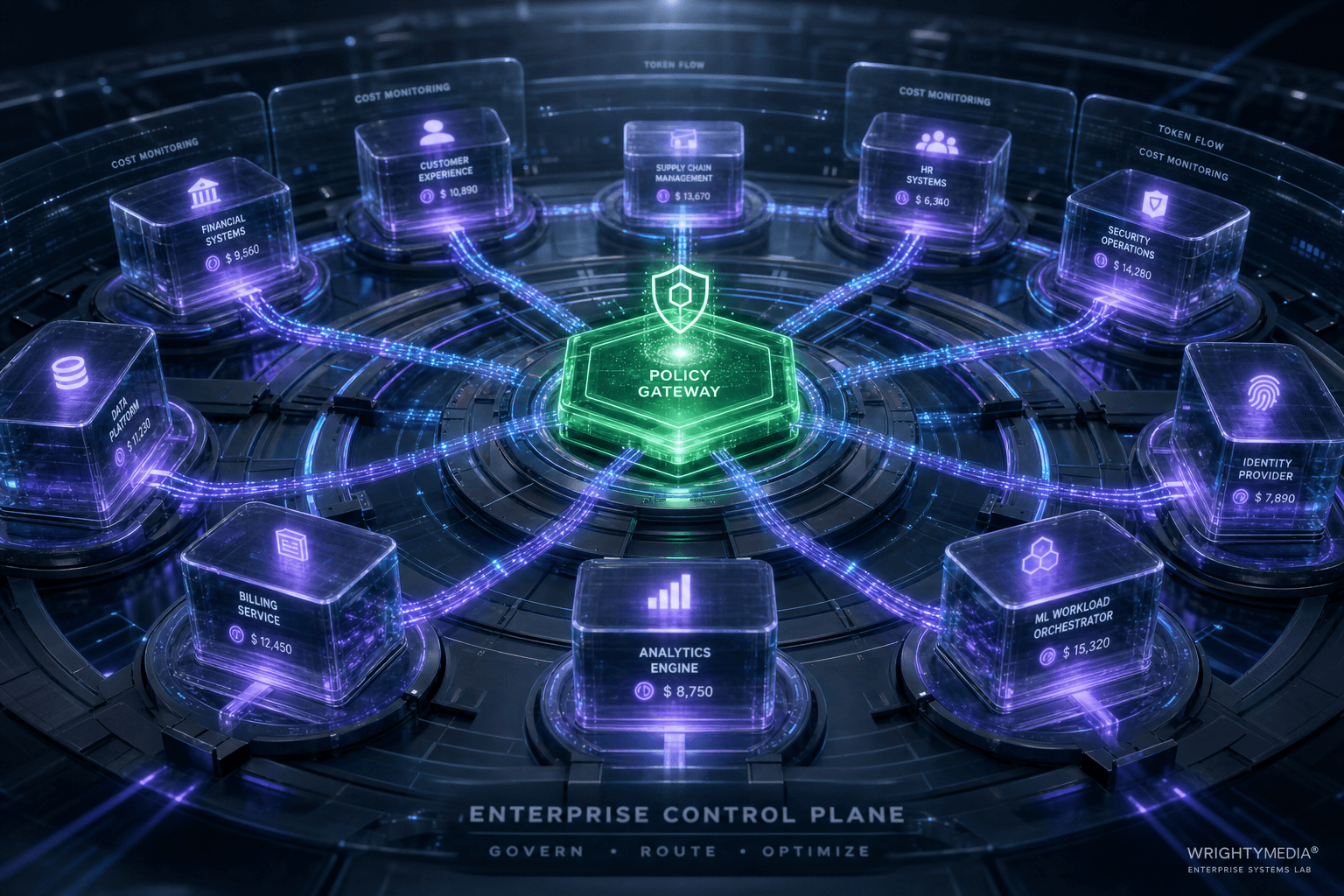
AI governance must move from finance to operations
AI spending is out of control because governance runs through finance instead of operations, where token costs happen in real time.

Small language models just became the cost-effective default
Enterprise AI bills grew 320% while token prices fell 280×. The fix: cost-aware routing cuts spend by 70–90%.